Appointment Scheduling for Trade Businesses
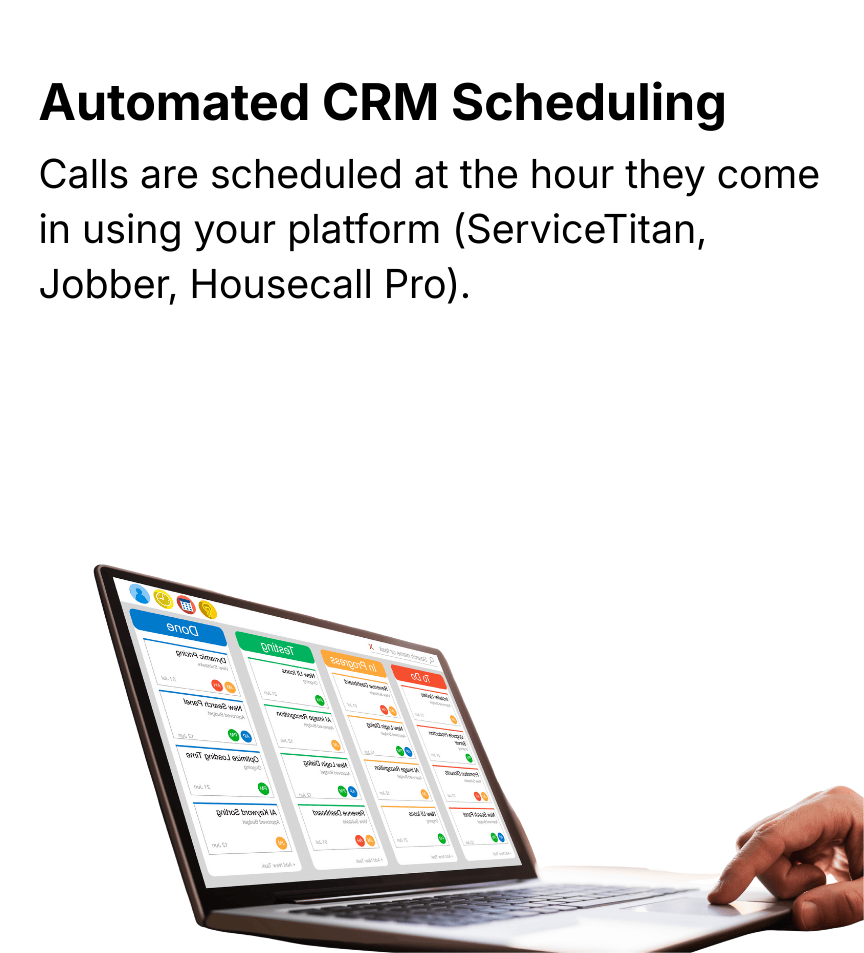
Keep your trade business on schedule without leaving the job site. Jill's Office books, confirms, and follows up on appointments in ServiceTitan, Housecall Pro, Jobber, and most online booking links, and makes sure urgent calls reach your team fast.

JILL'S OFFICE IS
ServiceTitan Certified Provider
Why Scheduling Matters with Your Trade Business
Missed appointments cost time and money. Trades, contractors, and home service businesses need accurate scheduling to keep clients happy and jobs on track. Our service ensures every booking is handled efficiently, reducing no-shows and freeing your team to focus on work that matters.
What Our Scheduling Service Features
Keep Your Trade Business on Track
Streamline appointments, reduce no-shows, and free up time for the job site.
How Appointment Scheduling Works
Note: Following our guidelines ensures accurate bookings and smooth experiences. Non-adherence may result in errors, longer calls, or denied scheduling capabilities.
Choose One Platform
Provide your Jill with Housecall Pro, Jobber, ServiceTitan, or your online booking link.
Lock Your Time Zone
Ensure appointments are scheduled accurately for your trade business.
Keep Clear and Simple Instruction
Fewer dropdowns, fields, and notes make bookings faster and smoother.
Set Your Booking Boundaries
Define services, service areas, and rules. The simpler, the better.
URGENT CALL ESCALATION · JILL ADVANCE PLAN
When a Call Can't Wait
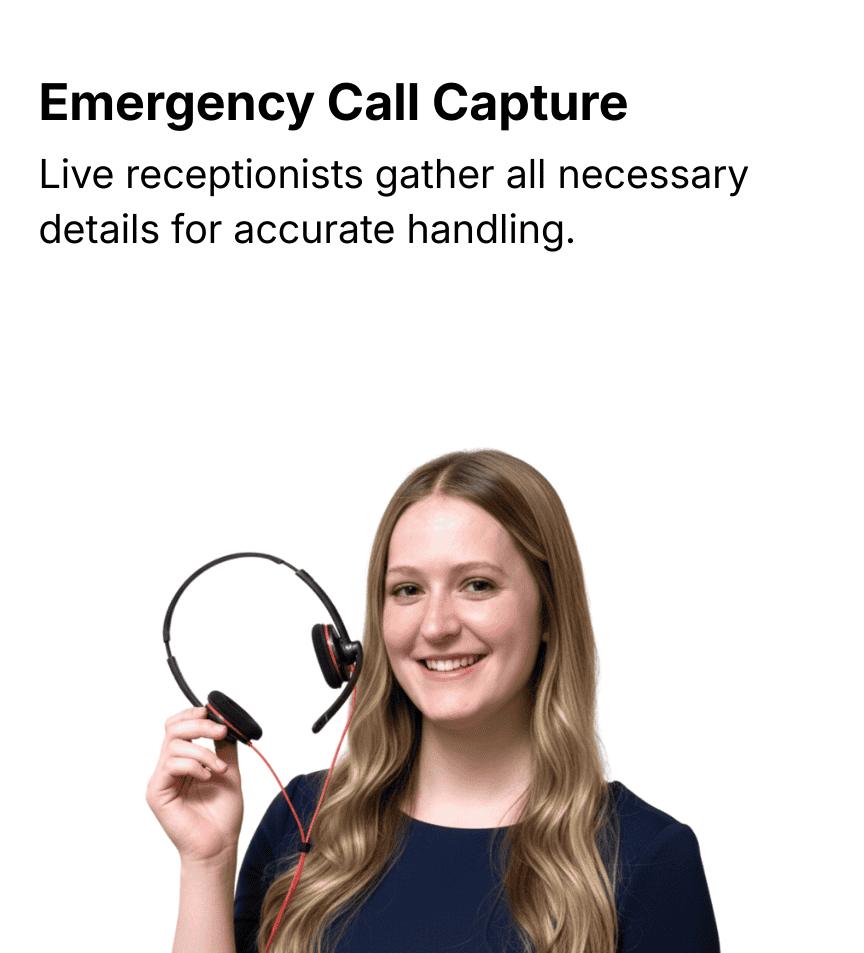
No heat in January. A burst pipe at midnight. With urgent call escalation, Jill captures the call, logs it in your CRM, and alerts your on-call team.
What Dispatching Assistance Service Features
How Dispatching Assistance Works
*Dispatching assistance is available exclusively for clients on the Jill Advance plan. This service must be arranged via your account manager. Jill’s Office assists with communication and escalation but does not make dispatch decisions or manage technician availability.
Client Configuration
Set up after-hours emergency services, assign primary and backup on-call technicians, and define escalation rules.
Jill Triggers Dispatch
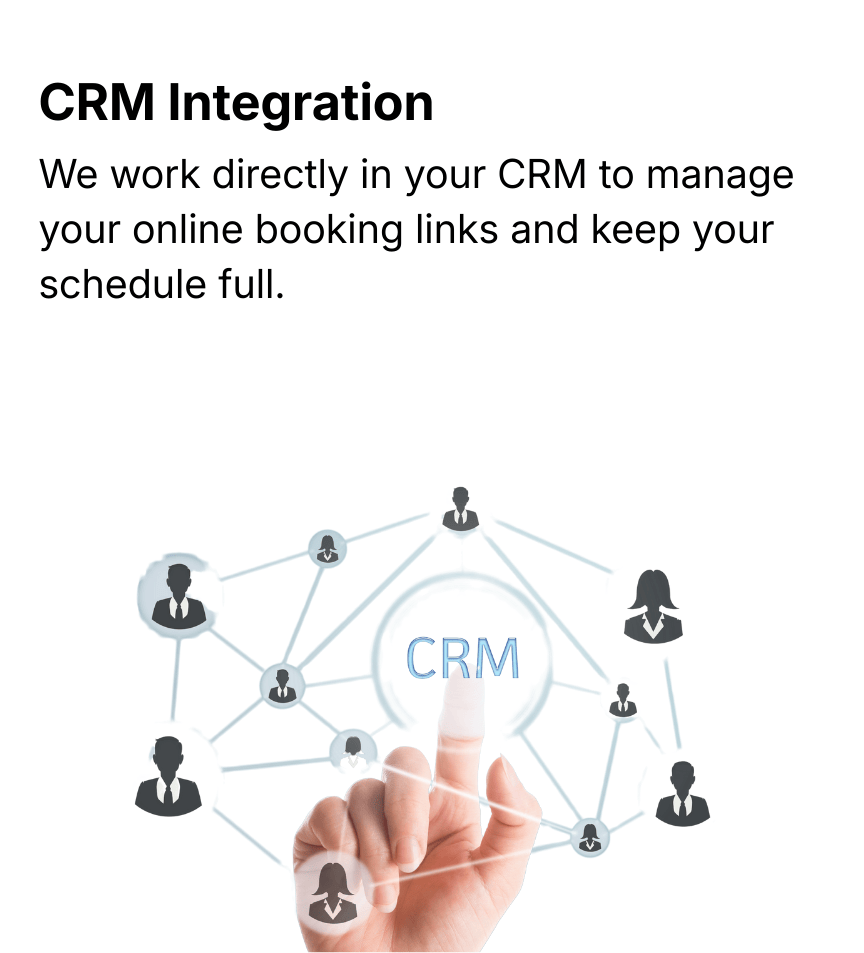
When a call comes in, Jill collects details, schedules in your CRM, and triggers automated escalation.
Automated Notification
and Escalation
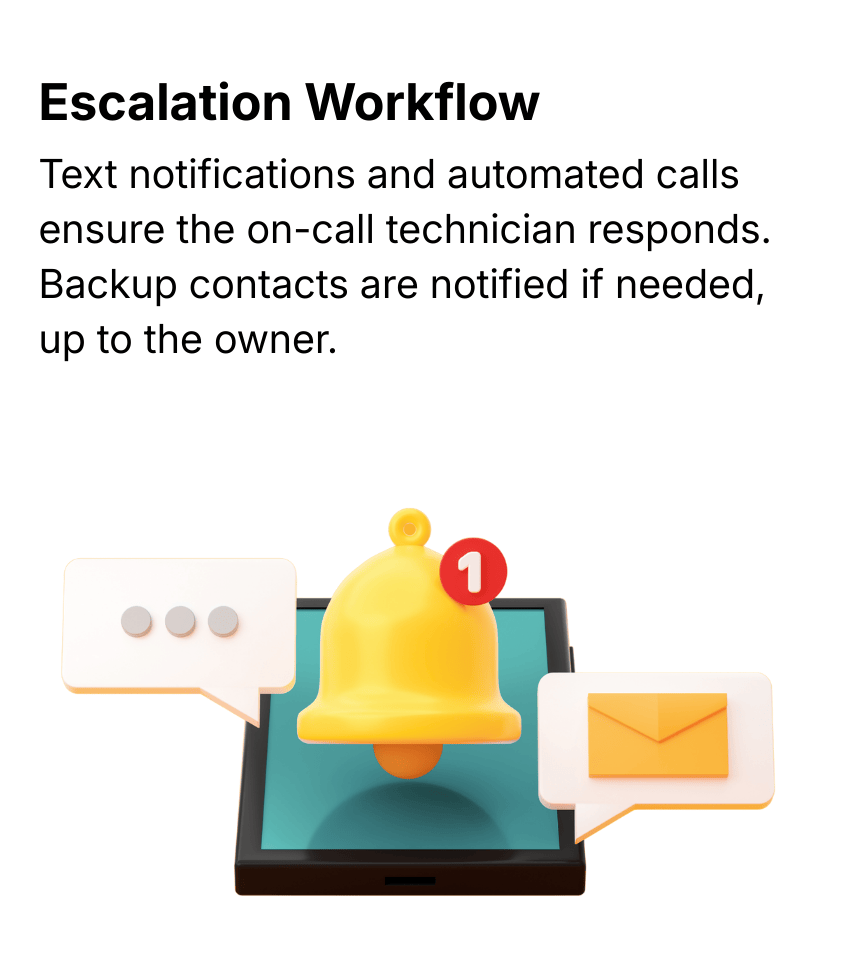
Primary tech receives text reminders, followed by a phone call if no response. Backup and owners are notified if escalation continues.
Tracking & Logs
Every attempt, response, and escalation is visible in your client log for accountability.
Frequently Asked Questions
What scheduling platforms do you support?
We schedule, cancel, and rebook appointments inside ServiceTitan, Housecall Pro, and Jobber, and can book through most online booking links.
Can you reschedule or cancel appointments?
Yes, inside ServiceTitan, Housecall Pro, and Jobber.
What is urgent call escalation?
It's how we make sure after-hours calls that can't wait reach your on-call team. Jill captures the call, logs it in your CRM, and alerts your team based on your rules.
Who can use urgent call escalation?
It's available on the Jill Advance plan.
Can Jill's Office assign technicians?
No. We handle communication and escalation. Your team decides who takes the job.
How does escalation work?
Your on-call team gets a text first, then an automatic call if there's no response. If they still don't respond, escalation continues to your backups and then the owner.
Can I customize escalation timing?
No. All alerts follow a standardized process, so every call is handled the same way.
Are urgent calls logged?
Yes. Every call, text, and escalation step is tracked.
Can new clients start urgent call escalation right away?
It's set up with your account manager as part of your after-hours service setup.