Dispatching Assistance
for Trade Businesses

Reliable after-hours and emergency dispatch support for contractors, plumbers, HVAC, and home service businesses. Escalation handled fast, every time.

Why Dispatching Assistance Matters for Your Trade Business

Every missed emergency call can cost jobs, revenue, and customer trust. Dispatching assistance ensures calls are captured, scheduled, and escalated based on your rules. For trades and home service businesses, fast response and clear communication mean your techs are where they need to be when your customers need them most.

What Dispatching Assistance Service Features

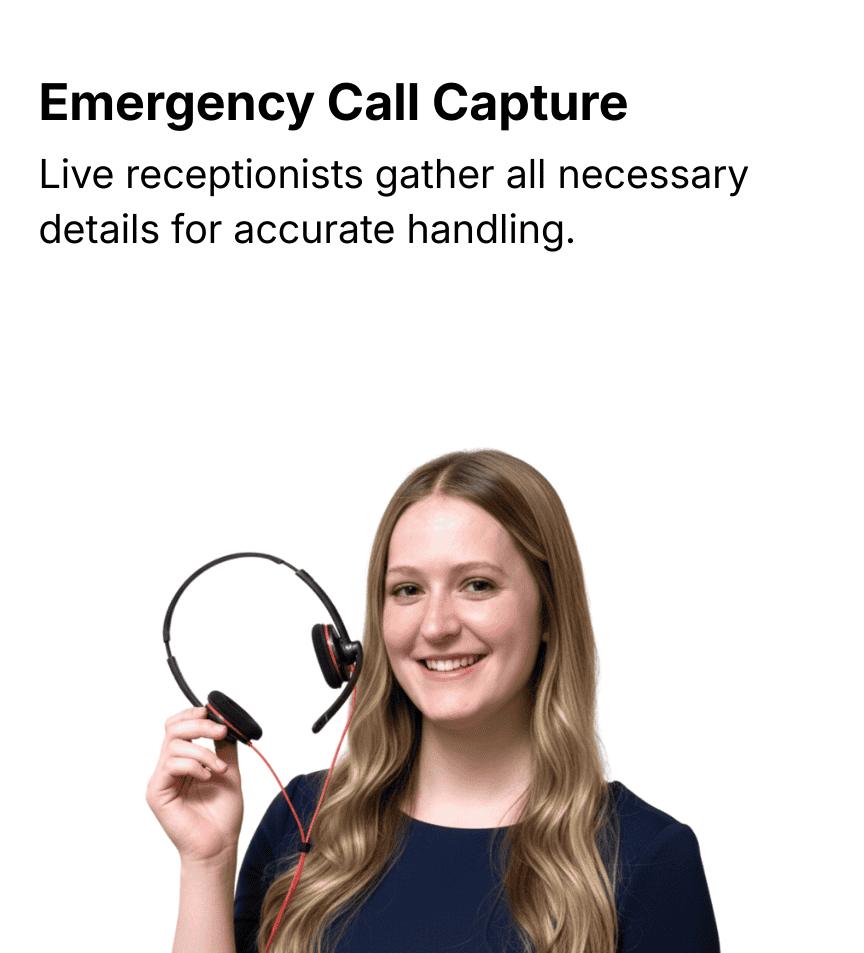
Emergency Call Capture Live receptionists gather all necessary details from the customer for accurate handling.
Priority Handling for Advance Plan Clients Dispatching assistance is available only through the Jill Advance plan to ensure reliable, timely response.
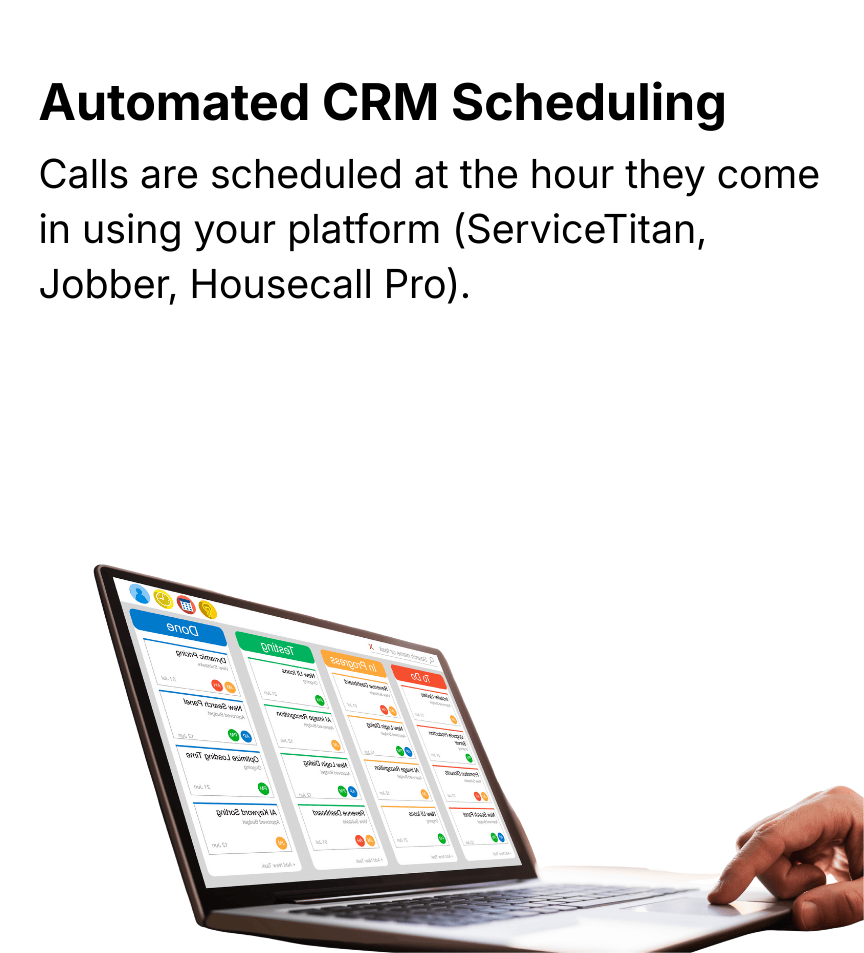
Automated CRM Scheduling Calls are scheduled at the hour they come in using your platform (ServiceTitan, Jobber, Housecall Pro).
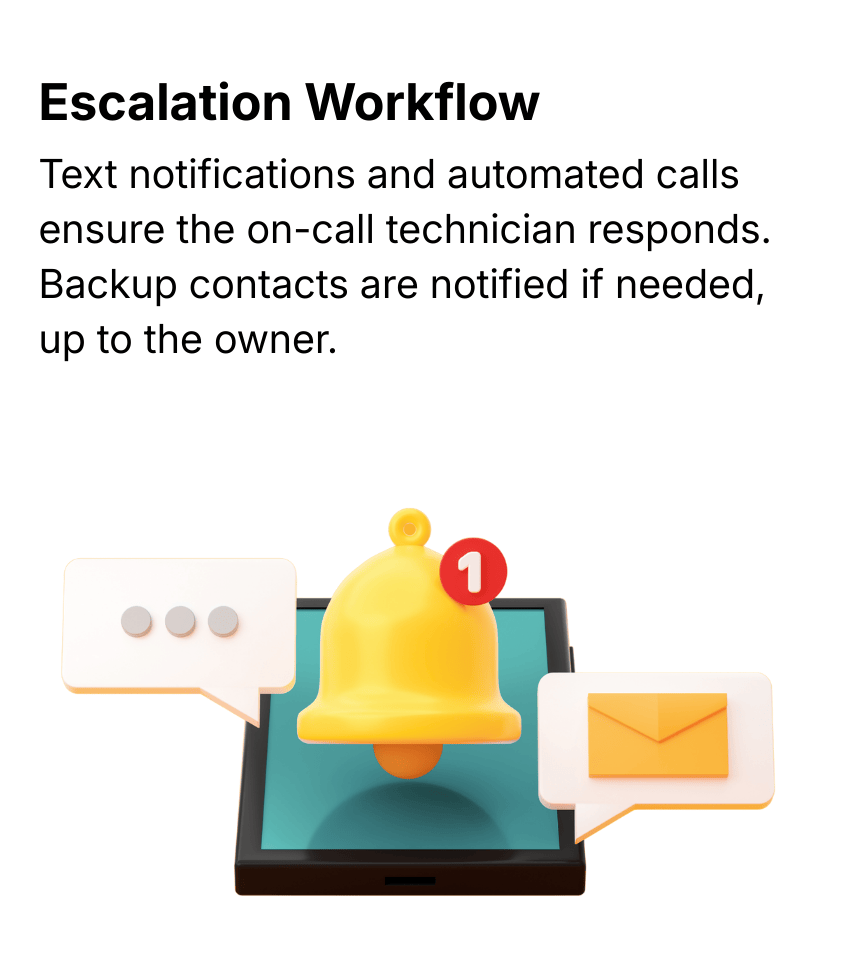
Escalation Workflow Text notifications and automated calls ensure the on-call technician responds. Backup contacts are notified if needed, up to the owner.
Standardized Procedures Uniform escalation and notification flow guarantee consistent handling of all emergencies.
Real-Time Transparency Clients can view logs of every attempt, escalation, and response for full accountability.

Take the Next Step in Emergency Readiness

Dispatching Assistance is an advanced feature available through your account manager. Speak with your Jill’s Office representative today to set up your plan and secure reliable emergency support.

How Dispatching Assistance Works

*Dispatching assistance is available exclusively for clients on the Jill Advance plan. This service must be arranged via your account manager. Jill’s Office assists with communication and escalation but does not make dispatch decisions or manage technician availability.

Client Configuration

Set up after-hours emergency services, assign primary and backup on-call technicians, and define escalation rules.

Jill Triggers Dispatch

When a call comes in, Jill collects details, schedules in your CRM, and triggers automated escalation.

Automated Notification
and Escalation

Primary tech receives text reminders, followed by a phone call if no response. Backup and owners are notified if escalation continues.

Tracking & Logs

Every attempt, response, and escalation is visible in your client log for accountability.

TRUSTED BY TRADE BUSINESSES ACROSS THE US AND CANADA.

Frequently Asked Questions

Dispatching assistance is available only for clients on the Jill Advance plan. Speak with your account manager to see if your business qualifies.

This service is designed for trade businesses and home service companies, including plumbing, HVAC, electrical, and other contractors.

No. We handle communication and escalation only. Your dispatch decisions, schedules, and tech availability remain under your control.

We integrate with ServiceTitan, Housecall Pro, and Jobber to schedule emergency calls at the hour they occur.

Our system sends text notifications first, then automated calls if no response. If the primary tech doesn’t reply, escalation continues to backups and ultimately the owner.

No. All dispatch notifications and escalation steps follow a standardized process to ensure consistency and reliability.

Yes. Every call, text attempt, and escalation step is tracked in your client logs for transparency and accountability.

New clients must set up their after-hours emergency services and escalation rules with an account manager before the service can start.