
How to Set Up Call Forwarding on Grasshopper
Learn how to configure virtual extensions, route calls to multiple team phones, set time schedules, and capture incoming leads with Grasshopper.
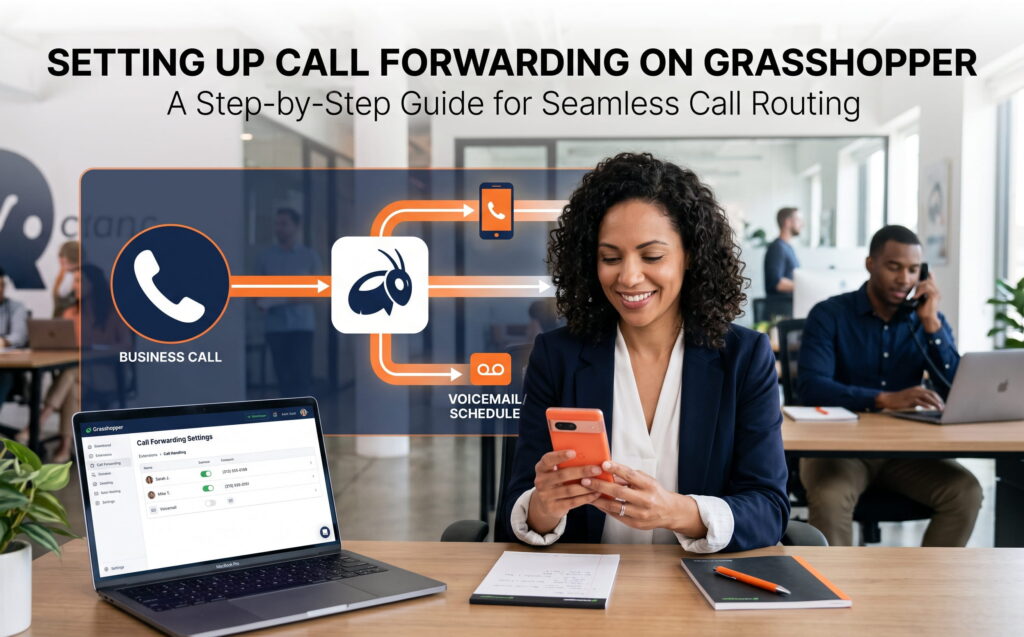
Call forwarding on Grasshopper routes incoming business calls to mobile devices, landlines, or answering teams using virtual extensions and online dashboard rules instead of carrier star codes. Setting up Grasshopper call forwarding ensures field workers receive customer calls on their mobile phones while maintaining a professional business presence.
Grasshopper Call Routing At a Glance
| Routing Feature | Setup Location | Primary Benefit |
|---|---|---|
| Extension Forwarding | Settings > Extensions | Routes callers to specific employees or departments. |
| Simultaneous Ring | Extension Edit > Call Rules | Rings all team phones at once for fastest response. |
| Sequential Ring | Extension Edit > Call Rules | Tries one phone first, then passes to backup lines. |
| Time Schedules | Settings > Operating Hours | Sends after-hours traffic to voicemail or support teams. |
Step-by-Step Setup Guide for Grasshopper Forwarding
To set up call forwarding in Grasshopper, log into your online account dashboard, select Extensions under Settings, and input your destination phone numbers. Grasshopper operates as a cloud software layer over your existing mobile device or landline, eliminating the need to enter star codes on a phone keypad.
Sign in to your Grasshopper account through a web browser or the Grasshopper desktop application. Click on Settings in the main navigation menu.
Click on Call Forwarding Settings and select Extensions. Choose an existing extension or click to create a new one, then click Edit.
Type in the 10-digit cell phone or landline numbers where calls should be sent. Select how you want Grasshopper to handle unanswered calls and click Save.
How to Choose Your Call Routing Order
Grasshopper allows you to forward incoming calls to multiple phones using simultaneous or sequential ringing rules. Choosing the correct call order ensures that prospective clients connect with a live person quickly when field staff are busy.
All connected forwarding numbers ring at the exact same moment. The first team member to pick up takes the call.
Best for: Reducing hold times and stopping missed lead calls.Calls ring your main phone line first. If you do not answer, Grasshopper passes the call to the next phone on your list.
Best for: Solo operators who rely on a backup support line.How to Set Up Call Forwarding Schedules
To set up time-based call forwarding in Grasshopper, define your operating hours under account settings and assign specific routing behaviors for day, night, and weekend hours. Setting schedules prevents business calls from interrupting your personal time while keeping client communication organized.
- Daytime Hours: Route calls directly to your cell phone or field technicians.
- After-Hours: Automatically transfer emergency calls to an answering service or custom greeting.
- Weekend Rules: Send calls to on-call staff or record voicemails directly to your email inbox.
How to Edit or Remove Grasshopper Forwarding
To edit or remove call forwarding numbers in Grasshopper, navigate to Extensions, click Edit on the desired extension, and delete or update the listed phone numbers. Saving your changes immediately updates how incoming call traffic is routed.
- Open Settings and click on Extensions.
- Select Edit next to the extension you want to change.
- Update the target phone number or click the trash icon to remove it completely.
- Click Save to apply your new routing rules instantly.
Grasshopper Requirements and Billing Rules
Grasshopper includes call forwarding as part of its virtual phone service without separate equipment fees, but forwarded calls draw from your monthly account minute allowance. Ensuring your account stays active keeps incoming calls flowing smoothly.
- No Hardware Needed: Grasshopper works over existing mobile networks and Wi-Fi without special desk phones.
- Minute Usage: Forwarded calls consume regular plan minutes for the entire duration of the call.
- Voicemail Management: Unanswered calls default to Grasshopper voicemail, which can send audio recordings directly to your email address.
Frequently Asked Questions
Does Grasshopper call forwarding use star codes like traditional carriers?
No. Grasshopper is a virtual phone system that does not use star codes. All call forwarding rules, schedules, and extension settings are managed directly inside your online Grasshopper dashboard or mobile app.
What is the difference between simultaneous and sequential ringing in Grasshopper?
Simultaneous ringing rings all designated forwarding phones at the exact same time, allowing whoever picks up first to take the call. Sequential ringing rings one phone first, moving to the next phone only if the first person does not answer.
Is there an extra fee for call forwarding on Grasshopper?
No. Call forwarding features are included in your standard Grasshopper subscription plan without extra hardware fees, though forwarded calls use monthly plan minutes.
Never Miss a Job Lead While You Are Working
Even with virtual phone rules, ringing phones can interrupt your work on job sites. Forward your Grasshopper extensions to Jill's Office to ensure every caller reaches a friendly, professional live receptionist.
Book your discovery call today