
How to Set Up Call Forwarding on T-Mobile
Learn how to activate T-Mobile call forwarding using star codes, adjust ring delay times, and route missed calls to a live receptionist team.
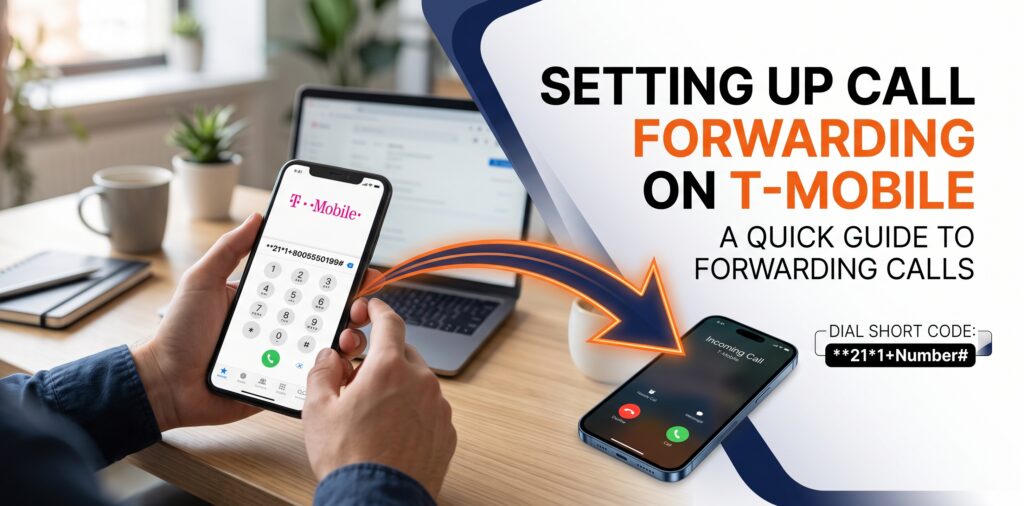
T-Mobile call forwarding automatically redirects incoming calls from your mobile device to another phone number using dialer short codes like **21* for immediate forwarding or **61* for unanswered calls. Turning on call forwarding keeps your line covered while working on job sites, ensuring you capture every lead without changing your primary phone number.
T-Mobile Short Code Cheat Sheet
| Forwarding Feature | Activation Code | Deactivation Code |
|---|---|---|
| Forward All Calls (Unconditional) | **21*1+Number# | ##21# |
| Forward Unanswered Calls | **61*1+Number# | ##61# |
| Forward When Line Is Busy | **67*1+Number# | ##67# |
| Forward When Unreachable / Off | **62*1+Number# | ##62# |
| Reset All Forwarding Settings | N/A | ##004# |
How to Turn On T-Mobile Call Forwarding Using Star Codes
To turn on call forwarding on a T-Mobile phone, dial the short code that matches your routing need, followed by 1, your 10-digit target phone number, and the pound symbol (#). These star codes send incoming call traffic directly to an external cell line, office phone, or answering service.
Routes every incoming call immediately without your device ringing.
Dial: **21*1+PhoneNumber# and press Call
Turn off anytime by dialing ##21#
Allows your phone to ring first, sending the caller to another line only if you do not answer.
Dial: **61*1+PhoneNumber# and press Call
Turn off anytime by dialing ##61#
Redirects new callers to backup support while you are active on another call.
Dial: **67*1+PhoneNumber# and press Call
Turn off anytime by dialing ##67#
Sends calls to a backup number whenever your cell phone is turned off or loses signal.
Dial: **62*1+PhoneNumber# and press Call
Turn off anytime by dialing ##62#
How to Change Your Ring Delay Time Before Forwarding
To change how long your T-Mobile phone rings before forwarding, dial **61*1+PhoneNumber**seconds# on your phone keypad. Adjusting ring time duration allows enough time to answer local calls while ensuring unanswered callers do not hang up before the call transfers.
You can set ring times in 5-second intervals up to a maximum of 30 seconds.
Example Dialing String (10-Second Delay):
**61*18005551234**10#
How to Reset All T-Mobile Call Forwarding Rules
To clear all active call forwarding settings at once on T-Mobile, dial ##004# from your phone dialer and press call. Using this master reset code clears unconditional, busy, and out-of-range forwarding, returning all call handling to normal network behavior.
1. Open the phone app on your T-Mobile mobile device.
2. Dial ##004#.
3. Press Call and wait for the system reset confirmation message.
T-Mobile Network Requirements and Billing Rules
T-Mobile includes standard call forwarding in most plan options at no extra monthly fee, but forwarded call minutes deduct from your plan's monthly talk allowance. Following network dialing rules prevents setup errors and keeps calls transferring smoothly.
Target numbers must include 1 plus the 10-digit area code. T-Mobile does not support forwarding to international numbers.
You must be connected to cellular coverage or active Wi-Fi calling to execute star codes on your phone.
Star code rules apply strictly to incoming voice calls. Text messages (SMS) will not transfer to the target number.
Frequently Asked Questions
What is the star code to clear all call forwarding on T-Mobile?
The short code to clear all active call forwarding rules on T-Mobile is ##004#. Dialing ##004# directly from your phone resets all forwarding settings back to network default.
How do you change the ring delay time before call forwarding on T-Mobile?
To change your ring delay time on T-Mobile, dial **61*1+PhoneNumber**seconds# where seconds can be set to 5, 10, 15, 20, 25, or 30 seconds.
Does T-Mobile charge extra for call forwarding?
T-Mobile includes standard call forwarding in most cell phone plans without a separate monthly fee, but forwarded call time uses monthly plan minutes.
Never Miss a Job Lead While Working in the Field
Forwarding calls to a second cell phone can interrupt your work or result in missed customer calls. Route your T-Mobile line to Jill's Office to ensure every caller reaches a friendly, professional live receptionist.
Book your discovery call today